> ## Documentation Index
> Fetch the complete documentation index at: https://docs.usekana.com/llms.txt
> Use this file to discover all available pages before exploring further.
# Edit an existing feature
You can edit your features at any time in the [Dashboard](https://dashboard.usekana.com/) within the [Features](https://dashboard.usekana.com/features) section.
## Steps
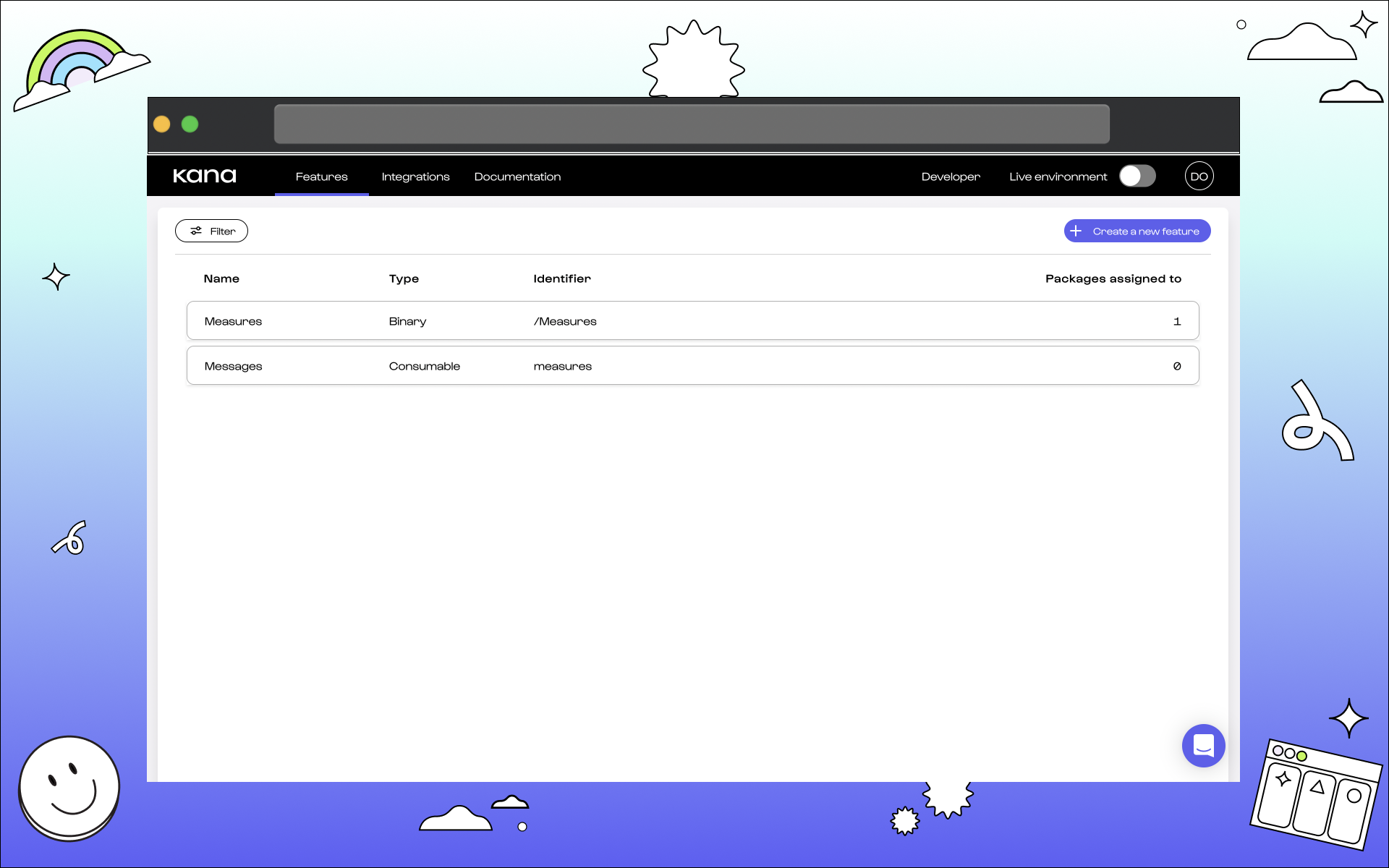
### 1. Select a feature.
 ### 2. Edit chosen feature to preference.
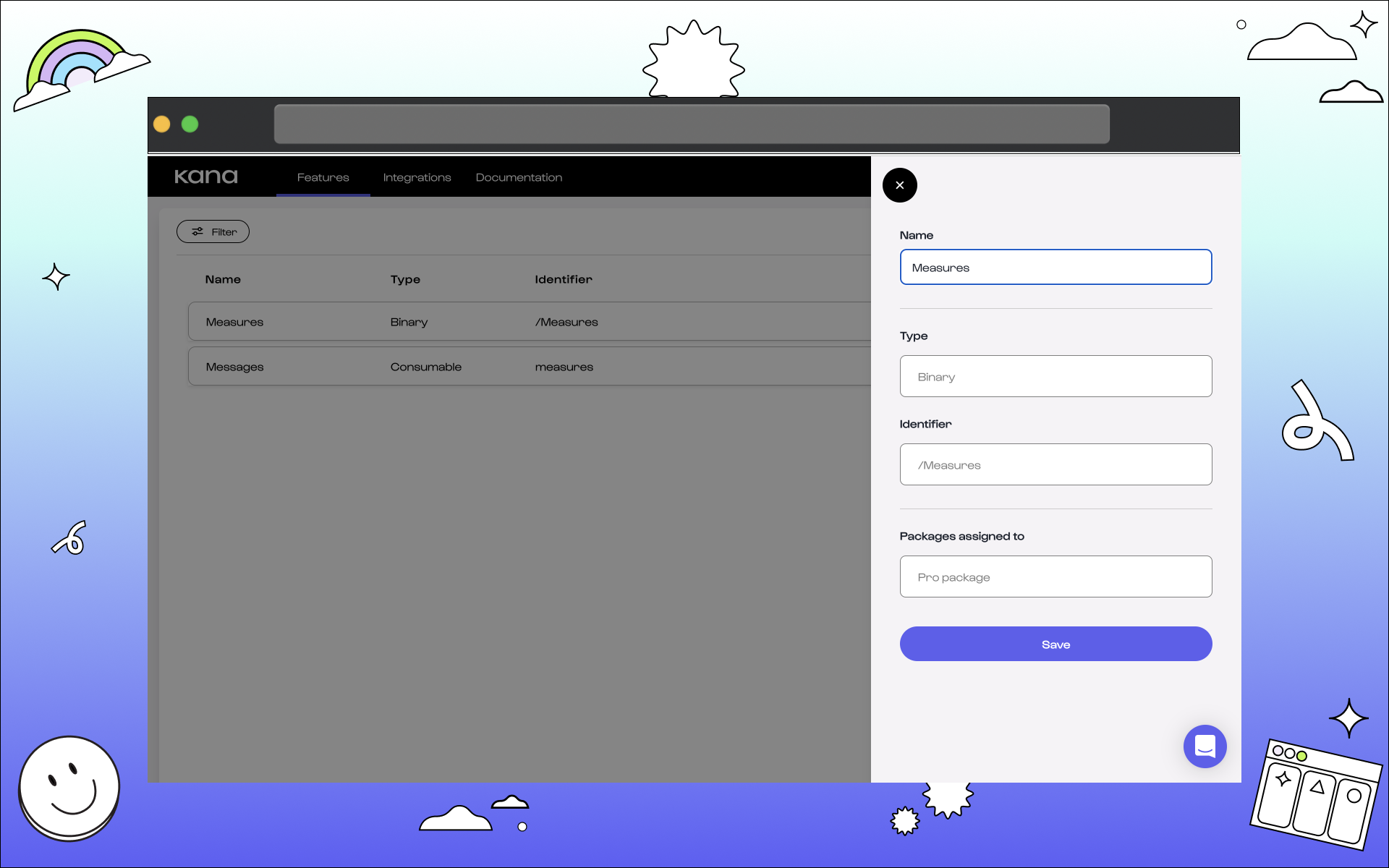 #### Name.
You can edit the feature name at any time and to fit any changes from your company.
#### Type.
The type of feature can be changed to better fit your package. Binary has no value but acts as a switch. Consumable is measured by unit. [See more on feature types here](/non-technical/features/what-are-features#feature-type).
#### Identifier.
This can be changed and edited according to the name.
#### Packages assigned to.
You can change the package assigned to your feature.
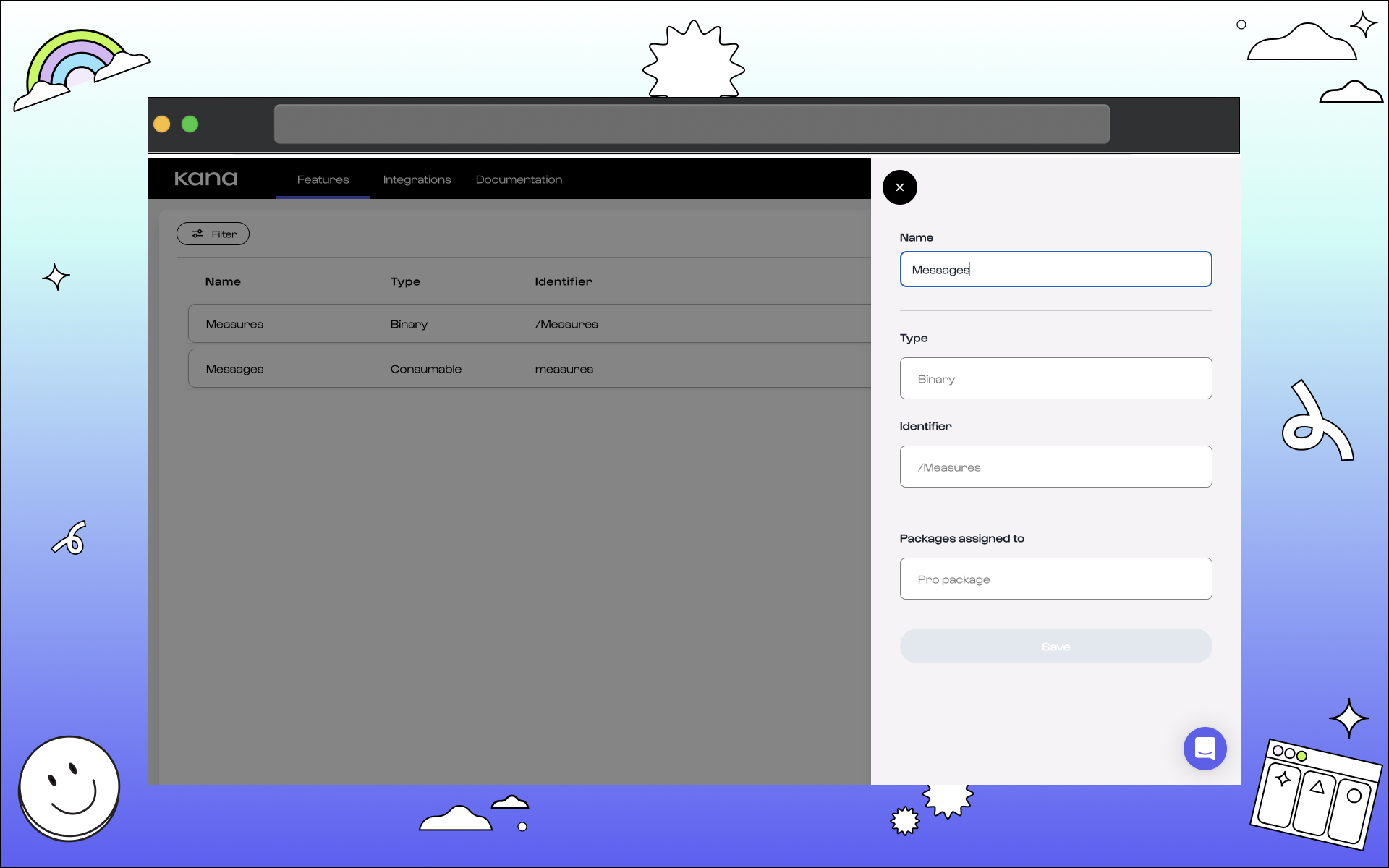
### 3. Click save once your changes have been done.
#### Name.
You can edit the feature name at any time and to fit any changes from your company.
#### Type.
The type of feature can be changed to better fit your package. Binary has no value but acts as a switch. Consumable is measured by unit. [See more on feature types here](/non-technical/features/what-are-features#feature-type).
#### Identifier.
This can be changed and edited according to the name.
#### Packages assigned to.
You can change the package assigned to your feature.
### 3. Click save once your changes have been done.
 ## What next?
**Congratulations** 🎉 You've edited a feature in Kana.
## What next?
**Congratulations** 🎉 You've edited a feature in Kana.
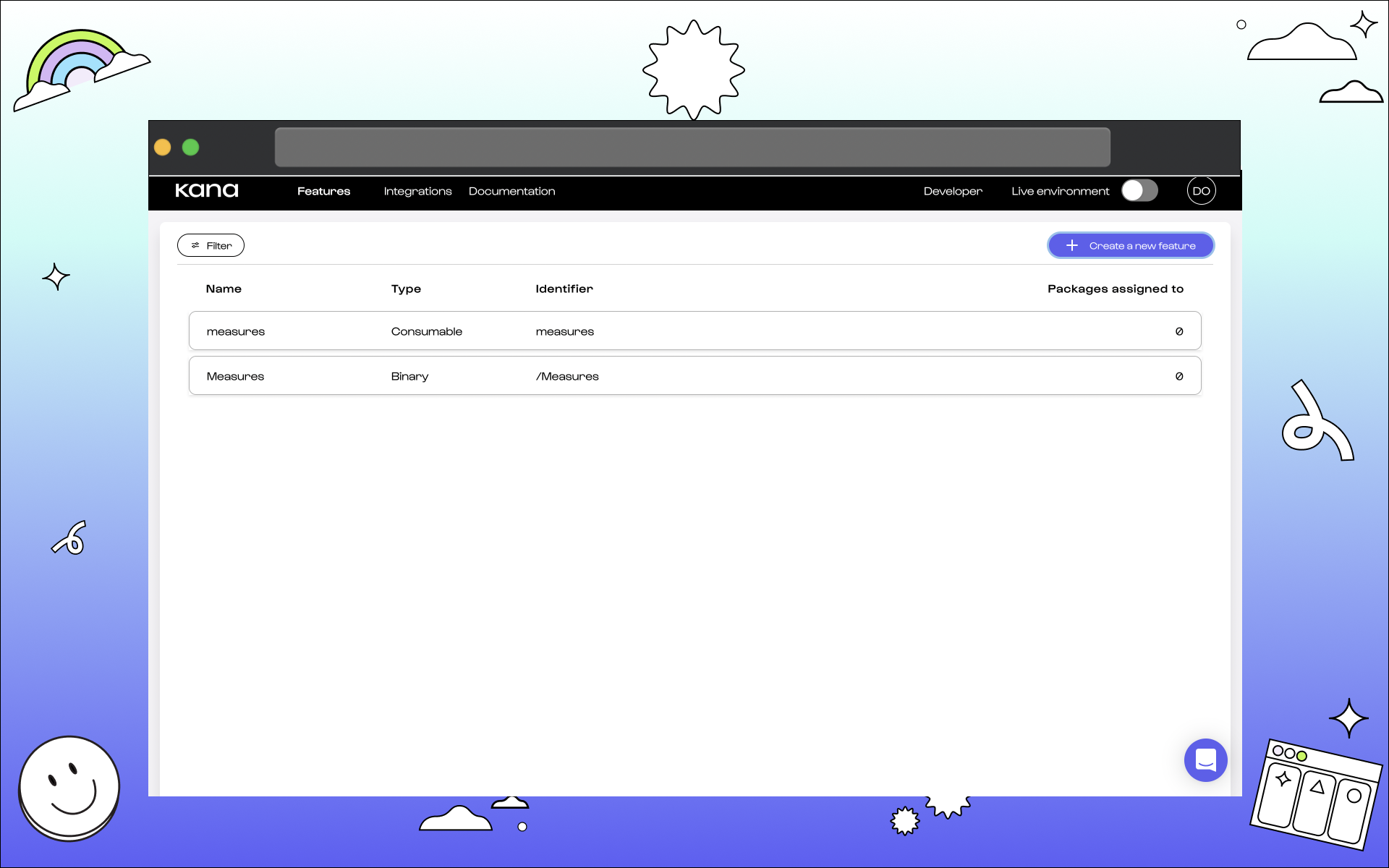 We now recommend learning about packages, how features fit within thes, and then create your own: